
IT Support for Small Companies: Essential Tips for Success
Your Small Business in Melbourne is growing steadily, customers are coming in, orders are piling up, and suddenly your computer system crashes.
No backups, no quick fixes, and your entire operation grinds to a halt.
It’s a nightmare scenario, but one that’s all too common for small companies without solid IT support.
Getting IT right isn’t just about fixing problems-it’s about preventing them, streamlining operations, and enabling growth.
Why Small Businesses In Melbourne Need Reliable IT Support
Small companies often think IT support is only for big businesses with massive budgets. That’s a misconception.
In fact, small businesses are often more vulnerable to IT issues because they lack dedicated resources and expertise.
According to a 2024 report from the National Cyber Security Alliance, 60% of small businesses that suffer a cyberattack go out of business within six months.
That’s a staggering statistic highlighting the importance of proactive IT management.
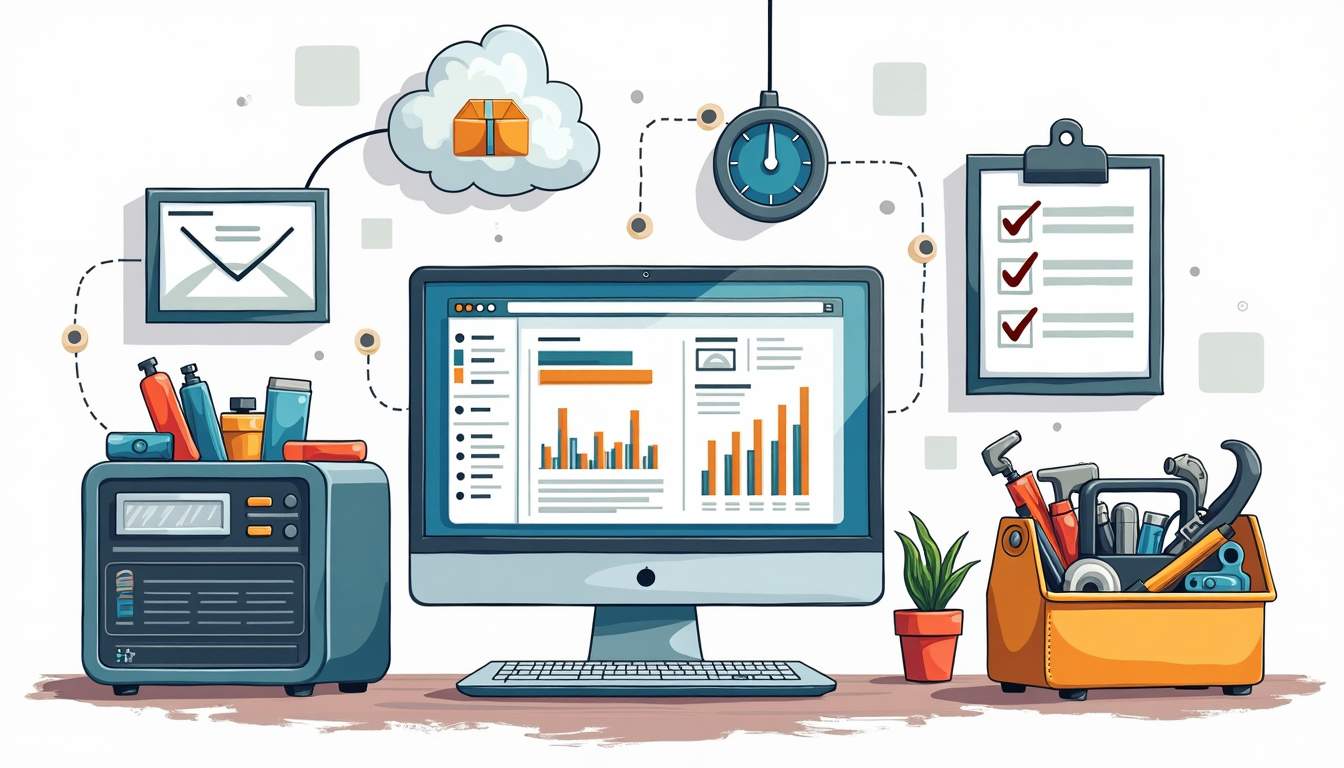
IT support isn’t just about reacting to problems; it’s about building a resilient infrastructure that supports daily operations and future growth.
From managing hardware and software to securing data and ensuring compliance, IT support covers a broad spectrum of needs that every small business should address.
Furthermore, a well-structured IT support system can enhance productivity by streamlining processes and reducing downtime, allowing employees to focus on their core responsibilities rather than getting bogged down by technical issues.
Common IT Challenges Small Businesses Face In Melbourne
Small companies often encounter several recurring IT challenges:
- Limited budget: Tight financial resources make it hard to invest in the latest technology or hire full-time IT staff.
- Security risks: Cyber threats like ransomware and phishing attacks are increasingly targeting small businesses.
- Data management: Without proper backup and recovery plans, data loss can be catastrophic.
- Scalability: As businesses grow, their IT needs evolve, requiring flexible solutions.
- Technical expertise: Employees often juggle multiple roles, leaving little time or knowledge for IT issues.
Addressing these challenges effectively can make the difference between thriving and struggling in a competitive market.
In addition to these common hurdles, small businesses often face the challenge of integrating new technologies into their existing systems.
With rapid advancements in technology, staying updated can be daunting, yet it is essential for maintaining a competitive edge.
For example, adopting cloud solutions can enhance collaboration and accessibility, but without proper guidance, the transition can lead to confusion and inefficiencies.
Moreover, the lack of a strategic IT roadmap can hinder long-term planning.
Small businesses may find themselves reacting to issues rather than anticipating them, which can lead to increased costs and lost opportunities.
A reliable IT support team can help create a comprehensive strategy that aligns technology with business goals, ensuring that every investment in IT contributes to the overall success of the organization.
This proactive approach not only mitigates risks but also empowers small businesses to innovate and adapt in an ever-changing landscape.
Building a Strong IT Foundation For Your Small Business IT Support
Assess Your Current IT Setup
Start by taking a clear inventory of your existing technology.
What hardware do you have? Are your computers, servers, and networking equipment up to date? What software tools are in use, and are they meeting your business needs?
This assessment helps identify gaps and areas for improvement.
Don’t overlook the importance of network infrastructure.
A slow or unreliable internet connection can frustrate employees and customers alike. Consider factors like bandwidth, Wi-Fi coverage, and security protocols.
Invest in Essential Hardware and Software
Small businesses don’t need the most expensive gadgets, but they do need reliable equipment.
Choose hardware that balances cost with performance and durability.
For example, solid-state drives (SSDs) can improve system speed and reliability compared to traditional hard drives.
On the software side, prioritise tools that improve productivity and collaboration.
Cloud-based platforms like Microsoft 365 or Google Workspace offer flexible, scalable solutions that include email, document sharing, and video conferencing.
These tools also simplify IT management by reducing the need for on-premises servers.
Implement Robust Security Measures
Security isn’t optional. Even small businesses are targets for cybercriminals. Start with the basics:
- Use strong, unique passwords: Encourage employees to use password managers to generate and store complex passwords.
- Enable multi-factor authentication (MFA): This adds an extra layer of protection beyond just a password.
- Keep software updated: Regular patches fix vulnerabilities that hackers exploit.
- Install antivirus and anti-malware tools: These help detect and block threats before they cause damage.
Don’t forget about physical security measures, such as locking server rooms and securing devices when not in use.
Choosing the Right IT Support Model For Your Small Business In Melbourne
In-House vs. Outsourced IT Support
Many small businesses face the decision of whether to hire an in-house IT professional or outsource support to a managed service provider (MSP). Each option has pros and cons.
In-house IT: Having someone on your team means immediate access to support and a deep understanding of your business. However, it can be costly to hire and retain skilled staff, especially if your IT needs are limited.
Outsourced IT: MSPs offer flexible, scalable services that can fit your budget. They bring expertise across various technologies and can provide 24/7 monitoring.
The downside is less direct control and potential communication delays.
Hybrid Approaches
Some companies combine both models, keeping a small in-house team for day-to-day tasks and relying on MSPs for specialized support or overflow work.
This approach can optimize costs while ensuring comprehensive coverage.
What to Look for in an IT Support Provider
When selecting an MSP or IT consultant, consider these factors:
- Experience with small businesses: They should understand your unique challenges and budget constraints.
- Range of services: From help desk support to cybersecurity and cloud management.
- Response times: Quick resolution is critical to minimize downtime.
- Proactive monitoring: Providers who detect issues before they become problems add significant value.
- Clear communication: They should explain technical issues in plain language and provide regular updates.
Maintaining IT Systems for Long-Term Success
Regular Backups and Disaster Recovery Plans
Data loss can happen for many reasons: hardware failure, accidental deletion, ransomware attacks, or natural disasters.
Having a reliable backup strategy is essential. Use the 3-2-1 rule:
- Keep three copies of your data.
- Store them on two different media types.
- Keep one copy offsite or in the cloud.
Test your backups regularly to ensure data can be restored quickly. Also, develop a disaster recovery plan that outlines steps to resume operations after an incident.
This plan should include contact information, roles and responsibilities, and recovery procedures.
Employee Training and Awareness
Employees are often the weakest link in IT security. Phishing emails and social engineering attacks exploit human error.
Providing ongoing training helps staff recognize threats and follow best practices.
Training topics should include:
- Identifying suspicious emails and links.
- Safe internet and device usage.
- Reporting security incidents promptly.
- Data privacy and compliance requirements.
Regular reminders and simulated phishing tests can reinforce awareness and reduce risk.
Keep Systems Updated and Optimized
Technology evolves rapidly. Regularly review your IT infrastructure to retire outdated equipment and upgrade software.
This not only improves performance but also enhances security.
Automation tools can help manage updates and monitor system health, reducing manual effort and minimizing downtime.
Staying proactive prevents small issues from escalating into costly problems.
Leveraging Technology to Boost Productivity
Cloud Solutions for Flexibility and Collaboration
Cloud computing has transformed how small businesses operate. Moving to cloud-based services reduces the need for expensive hardware and allows employees to work from anywhere.
It also simplifies collaboration through shared documents, calendars, and communication platforms.
Popular cloud services include:
- File storage and sharing (e.g., Google Drive, Dropbox, OneDrive)
- Project management tools (e.g., Trello, Asana)
- Communication platforms (e.g., Slack, Microsoft Teams)
Choosing the right mix depends on your business needs and budget.
Automate Routine Tasks
Automation can save time and reduce errors. For example, automating backups, software updates, and security scans ensures these critical tasks aren’t overlooked.
Additionally, tools that automate invoicing, customer relationship management (CRM), and inventory tracking free up staff to focus on higher-value activities.
Monitor Performance and Gather Feedback
Use analytics and monitoring tools to track system performance and user satisfaction. Regular feedback from employees helps identify pain points and areas for improvement.
Keeping an eye on metrics like network uptime, ticket resolution times, and software usage informs better decision-making.
Preparing for Growth and Future Challenges For Your Small Business
Plan for Scalability
As your business grows, your IT needs will change. Systems that work for a handful of users might struggle with hundreds. Choose solutions that can scale up easily without requiring a complete overhaul. Cloud services, modular software, and flexible hardware setups are good options.

Stay Informed About Emerging Technologies
Technology trends like artificial intelligence, machine learning, and Internet of Things (IoT) devices offer new opportunities for small businesses.
While not every innovation is relevant immediately, staying informed helps you spot tools that can improve efficiency or open new markets.
Regularly Review Your IT Strategy
Technology isn’t static, and neither should your IT strategy be. Schedule periodic reviews to assess whether your current setup aligns with business goals.
Adjust budgets, update policies, and explore new solutions as needed.
IT support for small business in Melbourne isn’t just an expense-it’s an investment in stability, security, and growth.
By building a solid foundation, choosing the right support model, maintaining systems proactively, and leveraging technology smartly, small businesses can compete with larger players and adapt to changing demands.

Don’t wait for a crisis to reveal weaknesses. Start today by assessing your IT environment, addressing vulnerabilities, and planning for the future.
With the right approach, technology becomes a powerful ally rather than a source of stress.