
How To Fix Blue Screen Of Death
Every Melbourne Business Owner dreads a blue screen of death on their business computer.
You’re in the middle of finalising a crucial client proposal, your team is processing end-of-month payroll, or you’re about to present in a vital Zoom meeting. Suddenly, without warning, your screen flashes an aggressive, alien blue.
Cryptic white text fills the display, and just like that, your workflow grinds to a halt. You’ve just been hit by the Blue Screen of Death (BSOD).
For a moment, you’re paralysed. The frustration is palpable. What about that unsaved document?
How much work has just vanished into the ether? For any business operating in Melbourne's fast-paced market, these crashes are far more than a simple nuisance.
They represent a direct hit to your bottom line, causing workflow disruptions, data loss, and mounting stress for your team.
It’s a technical problem that quickly becomes a business problem.
Recent research has thrown a startling spotlight on the frequency of this issue.
Under normal operating conditions, a surprising one in 200 devices will experience a system crash.
That figure skyrocketed to a catastrophic one in ten during the recent global CrowdStrike outage, a stark reminder of how vulnerable our digital infrastructure can be.
While it’s easy to assume this is a problem confined to the tech sector, the data tells a different story.
While tech companies see over 15% of their devices affected monthly, other essential Australian industries like healthcare, retail, and manufacturing are not immune.
These sectors still report that between 8-10% of their devices succumb to the dreaded blue screen.
So, what’s the real story behind these crashes, and more importantly, how can you, as a business owner, get on the front foot and prevent them from derailing your operations?
The good news is that experts estimate around half of all BSOD incidents are entirely avoidable.
The bad news? Most businesses are flying blind, lacking the strategy and tools to stop them. This guide will help you understand the enemy and show you how to fight back.
What Exactly is the Blue Screen of Death?
Before you can prevent the BSOD, it helps to understand what it is.
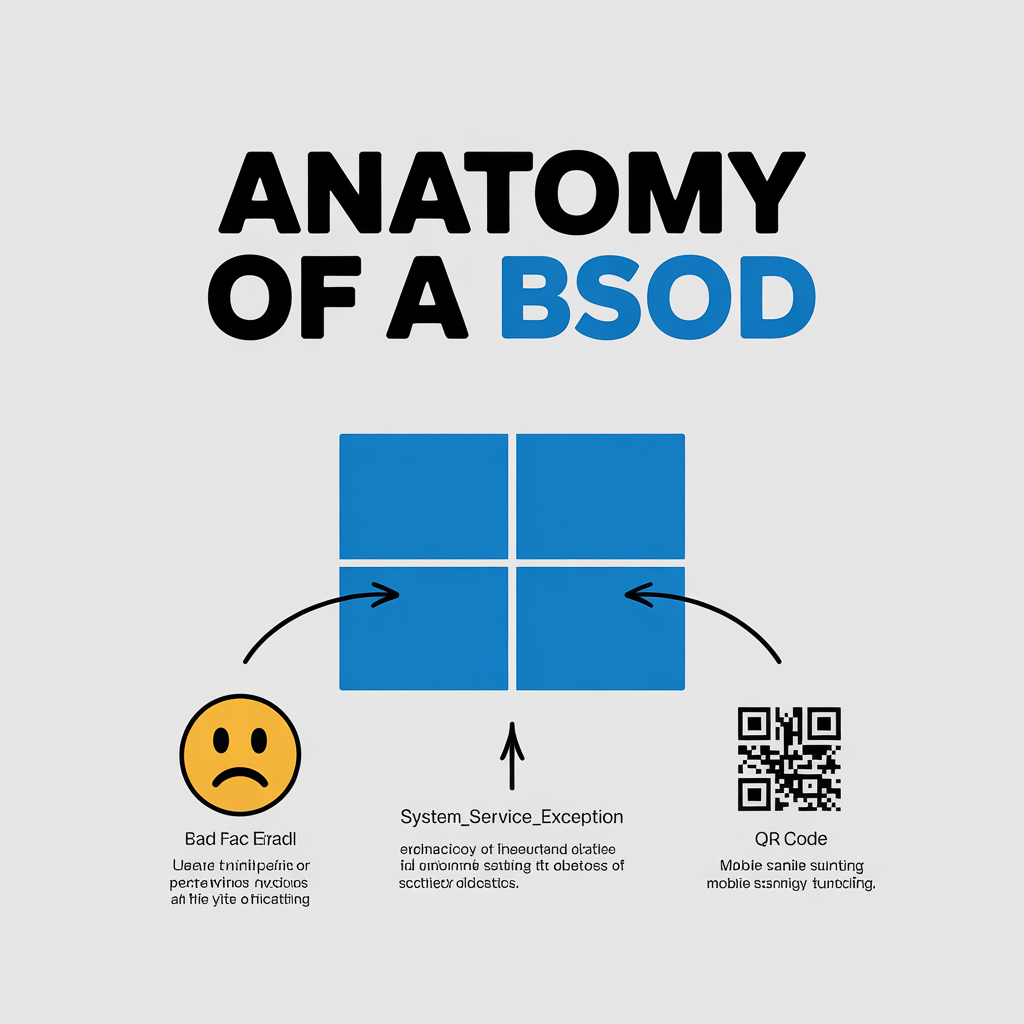
Think of the Blue Screen of Death as your computer's ultimate distress signal.
It's the operating system's way of throwing its hands in the air and yelling, "Stop! I've encountered a critical error I can't recover from, and to prevent further damage, I must shut down immediately."
This is officially known as a "stop error," and it occurs when Windows encounters a problem so severe that it can no longer operate safely.
This could be a malfunctioning piece of hardware, a corrupted driver, or a low-level software conflict. To protect your system from potentially irreversible data corruption, the operating system halts everything.
The blue screen itself displays a "dump" of information, including an error code (like IRQL_NOT_LESS_OR_EQUAL or PAGE_FAULT_IN_NONPAGED_AREA), which can help an IT professional diagnose the root cause of the crash. For the average user, however, it’s just intimidating jargon that signals a very bad day at the office.
How the Blue Screen Of Death Affect Melbourne Business Owners Cash Flow
A single BSOD might seem like a fleeting issue, but its financial impact ripples throughout your business in ways you might not immediately consider.
The costs go far beyond the price of a support ticket. For an Australian business, downtime is a direct assault on profitability.
1. Lost Productivity and Wages: The most immediate cost is lost labour. When an employee's computer crashes, they aren't working. If the fix takes an hour, that's an hour of paid time completely lost. Now, multiply that across multiple employees and multiple incidents per year. If a key team member is out of action, it can create bottlenecks for entire projects, delaying deliverables and impacting client timelines. In a competitive market, these delays can be the difference between retaining and losing a client.
2. IT Support and Repair Costs: Whether you have an in-house IT team or rely on an external provider, every BSOD consumes valuable technical resources. Your IT experts are pulled away from strategic, value-adding projects—like improving cybersecurity or upgrading your cloud infrastructure—to perform reactive, time-consuming diagnostics. This "firefighting" is one of the least efficient ways to manage your technology, driving up support costs and preventing your IT from focusing on what truly matters.
3. Data Loss and Recovery: What happens to the work that was open when the crash occurred? That detailed spreadsheet, that carefully crafted email, that complex design file—if it wasn't auto-saved, it’s likely gone for good. The time spent recreating that work is a pure productivity loss. In a worst-case scenario, frequent crashes can be a symptom of a failing hard drive, putting your entire data library at risk and potentially leading to expensive data recovery services.
4. Damage to Employee Morale and Engagement: Never underestimate the human cost of faulty technology. Constant computer troubles are a leading cause of workplace frustration. When your team can't rely on their tools, their morale plummets. They feel unheard, unsupported, and disengaged. This frustration leads to decreased motivation, higher staff turnover, and a negative workplace culture that is incredibly difficult to repair. A reliable IT environment, on the other hand, empowers your staff to perform at their best.
Top 4 Causes of the Blue Screen of Death For Melbourne Business Owners
While the error codes can seem random and complex, most BSOD incidents can be traced back to a handful of common culprits.
By understanding these root causes, you can begin to build a preventative strategy.
1. Problematic Hardware and Peripherals: Your computer is a complex ecosystem of interconnected components. If one part fails, it can bring the whole system down.
- Failing RAM (Memory): Faulty memory sticks are one of the most common hardware causes of a BSOD. When the system tries to read or write data to a bad sector of RAM, it can trigger a critical failure.
- Overheating Components: Australia's climate can be tough on electronics. Inadequate cooling, dust buildup, or a failing fan can cause your CPU or graphics card to overheat, leading to instability and crashes under heavy load.
- Dying Hard Drive or SSD: As your primary storage device ages, it can develop bad sectors. When the operating system tries to access critical files located on these damaged areas, it can't, resulting in a system halt.
- Connected Devices: Even external devices like a new printer, scanner, or USB hub can cause issues if their hardware or drivers conflict with your system.
2. Mismanaged Windows Updates: While updates are essential for security and functionality, a poorly managed update process can introduce more problems than it solves. Microsoft regularly releases patches, but not all of them are perfect. A buggy update can conflict with your existing software or hardware drivers. Businesses that allow automatic, unvetted updates are essentially rolling the dice with their system stability. A strategic, managed approach where updates are tested before being deployed across the company is crucial.
3. Driver Disasters (Graphics, Network, Audio): Drivers are the small pieces of software that allow your operating system (Windows) to communicate with your hardware (like a graphics card or a network adapter). If these drivers are outdated, incorrect, or corrupted, that communication breaks down completely.
- Graphics Card Drivers: This is a major one. Gamers know this well, but it’s just as critical for business. Outdated graphics drivers can cause crashes when using demanding applications, multiple monitors, or even video conferencing software.
- Network and Wi-Fi Drivers: A faulty network driver can cause a BSOD when the system is under heavy network load, such as during a large file transfer or a company-wide video call.
4. Software Conflicts and Malware: Sometimes, the problem isn't with your hardware but with the software running on it. Installing two programs that conflict with each other (for example, two different antivirus solutions) can lead to system instability. More maliciously, certain types of malware and viruses can burrow deep into your system files, corrupting them and causing stop errors as a direct result of their destructive activity.
Shifting from Reactive IT Support To Pro-active IT Support
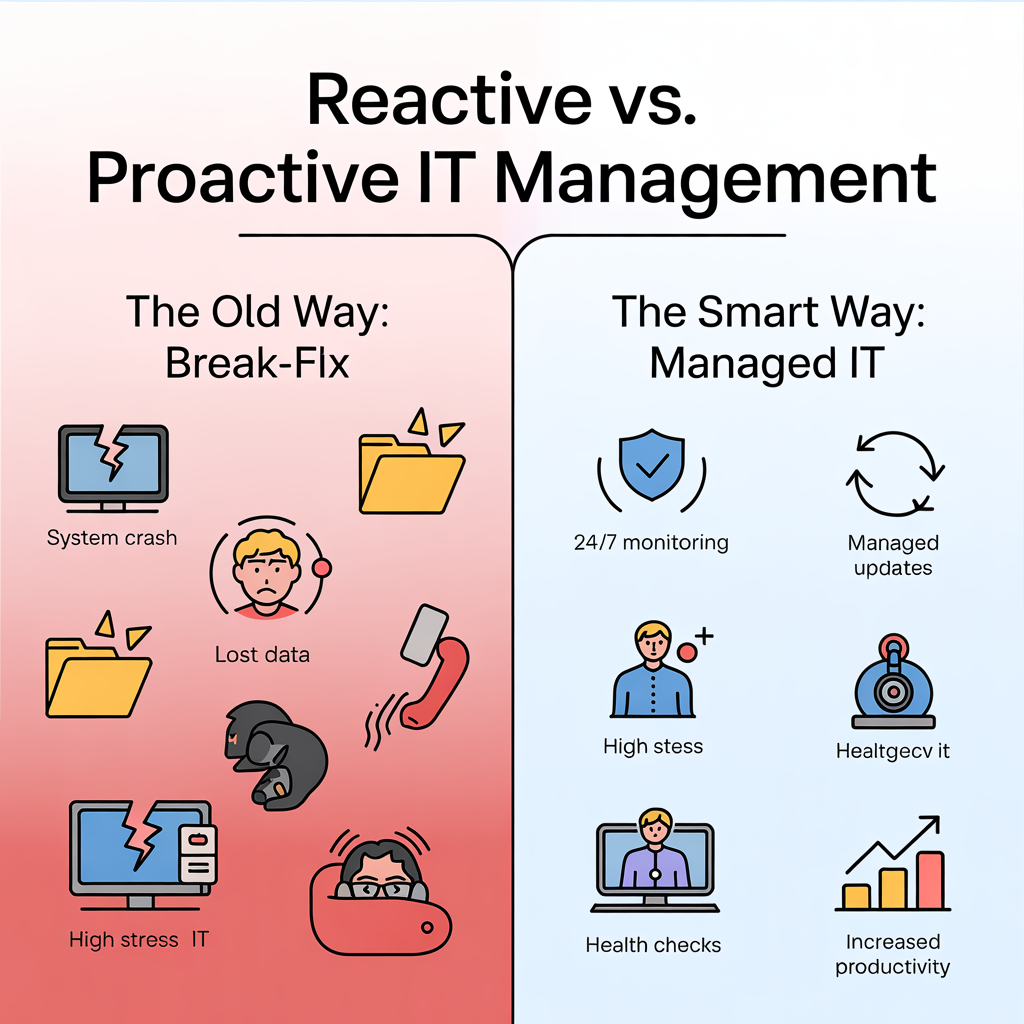
For too long, the standard approach to IT management was the "break-fix" model: wait for something to break, then call for help to fix it. As we've seen, this is an incredibly inefficient and costly way to run a business.
The modern, intelligent approach is proactive IT management, often delivered through a Managed Service Provider (MSP).
Instead of waiting for the blue screen to appear, a proactive strategy focuses on continuously monitoring, maintaining, and optimising your IT environment to prevent problems before they ever impact your team.
How Proactive IT Management Prevents the BSOD:
- 24/7 Health Monitoring: Proactive IT uses specialised software to monitor the health of your devices in real-time. It can detect early warning signs—like a hard drive showing signs of failure, a CPU that's consistently overheating, or memory errors—and flag them for intervention long before they cause a catastrophic crash.
- Strategic Patch Management: An MSP won’t just let Windows install updates whenever it wants. They will test new patches in a controlled environment first to ensure they don't cause conflicts with your specific business applications. Once verified, the updates are rolled out in a planned, non-disruptive manner.
- Automated Driver and Software Updates: Maintaining the correct, up-to-date drivers for every component in every computer is a logistical nightmare for any business. Proactive management automates this, ensuring your devices always have the latest stable drivers without requiring any manual intervention from your staff.
- Data-Driven Decisions: The most powerful aspect of this approach is insight. Most businesses have no idea which of their devices are at high risk of crashing. With monitoring tools, you can get a clear picture of your entire IT fleet's health, allowing you to make informed, data-driven decisions about when to repair or replace ageing hardware before it fails.
The research is clear: with the right preventative measures, businesses can cut BSOD incidents in half, improving the odds from one in 200 devices to a much healthier one in 400.
This doesn't just reduce downtime; it liberates your team from technical frustration and allows your IT resources to focus on innovation and growth.
Let an IT Expert Keep Your Business Running Smoothly
You wouldn't wait for your car's engine to seize before getting an oil change, so why take that risk with your business's most critical tool?
Moving from a reactive to a proactive IT stance is the single most effective step you can take to eliminate the Blue Screen of Death and its associated costs.
However, implementing this level of monitoring and management requires specialised tools and expertise that most businesses don't have in-house.
This is where partnering with a dedicated IT expert pays dividends.
A proactive IT management service is designed to be your technological guardian angel, working silently in the background to keep your systems healthy, secure, and crash-free.
Our approach is built on prevention. We believe that technology should empower your business, not hinder it.
We use state-of-the-art tools to prevent problems before they can interrupt your work, ensuring your team stays productive and focused on what they do best.
Stop letting the Blue Screen of Death dictate your workday.
Get in touch with us today for a complimentary IT health check and let us show you how a proactive approach can keep your business running smoothly and securely.